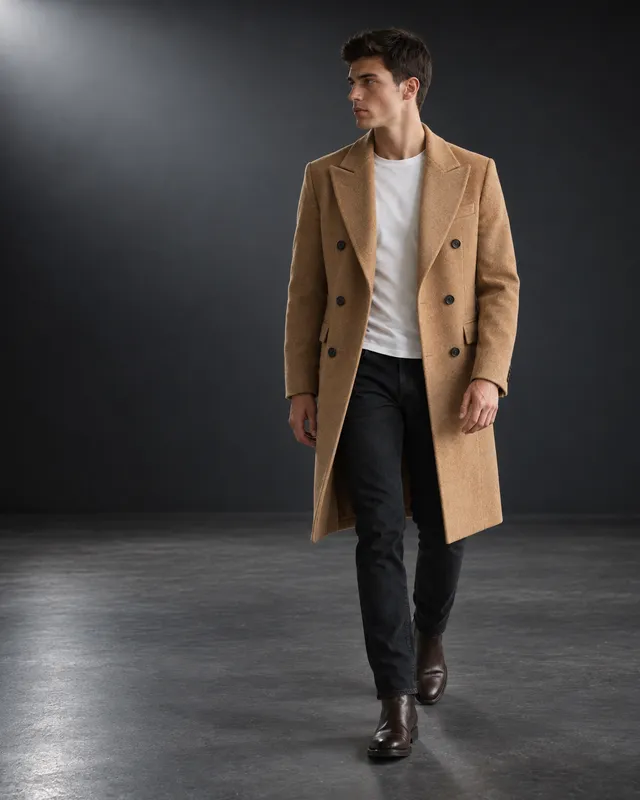
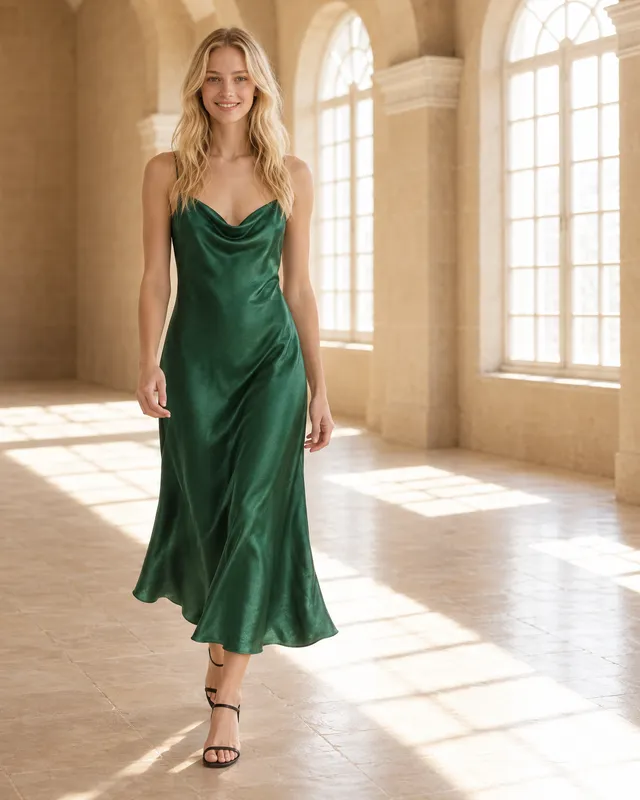
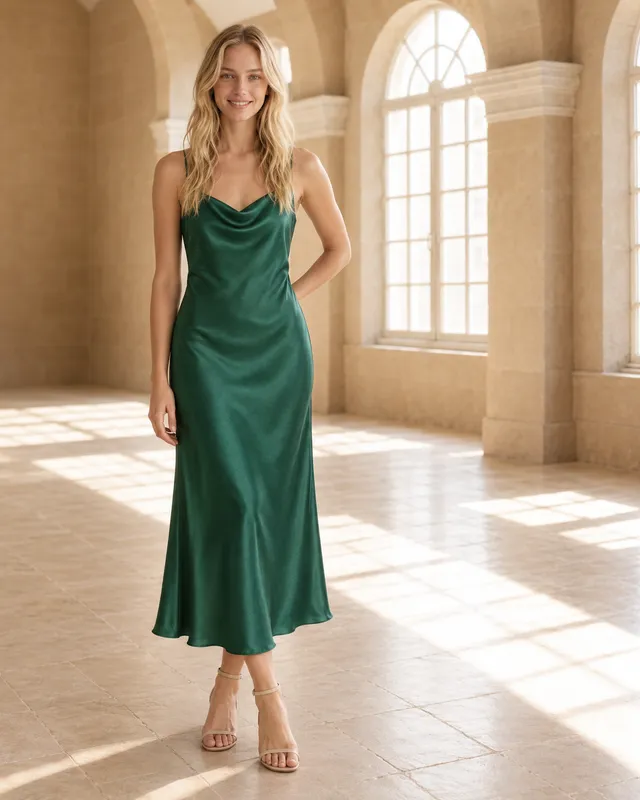
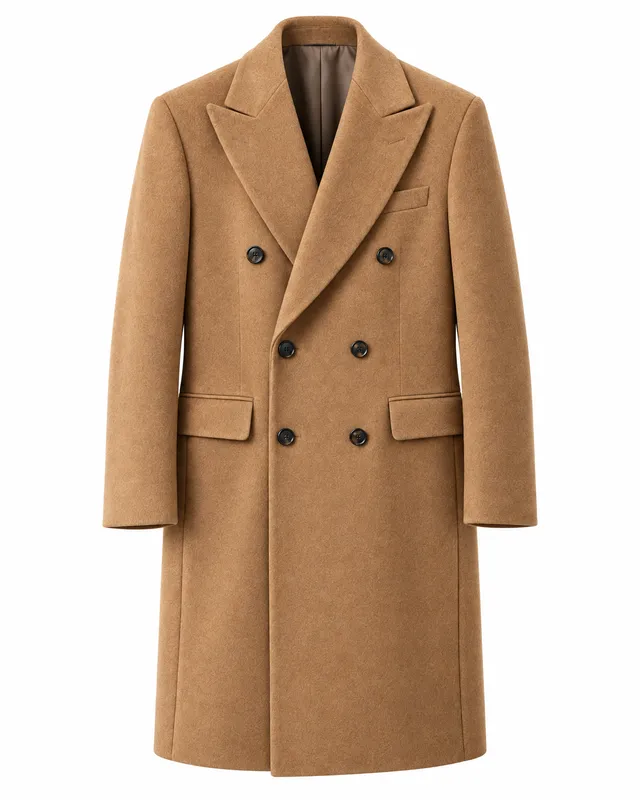
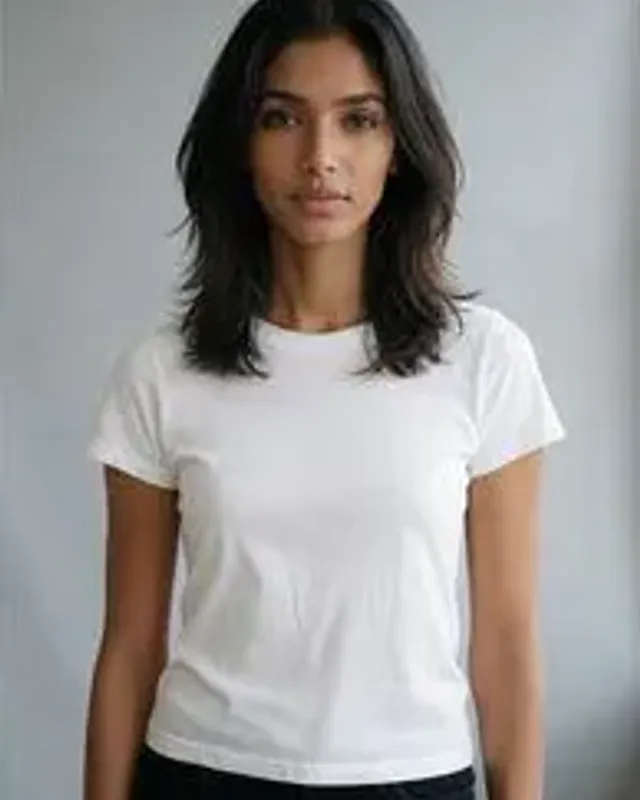
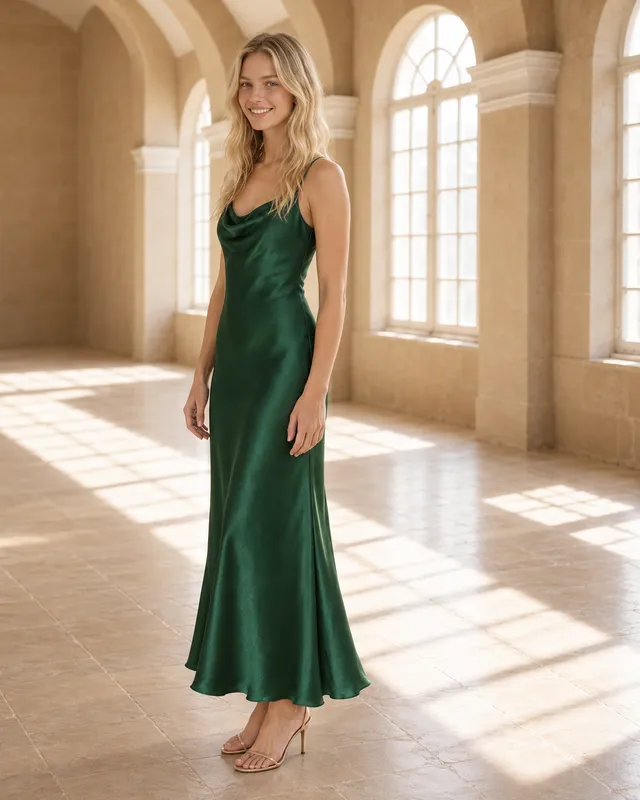
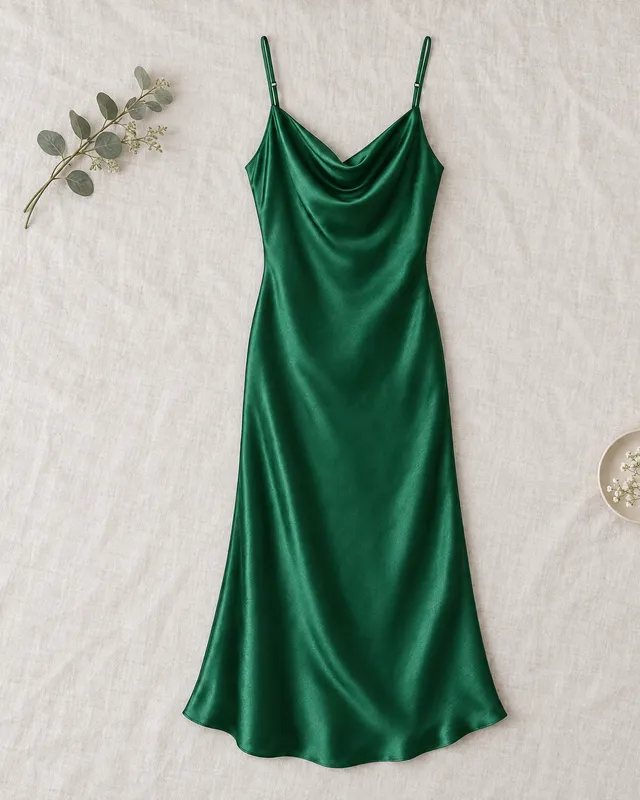
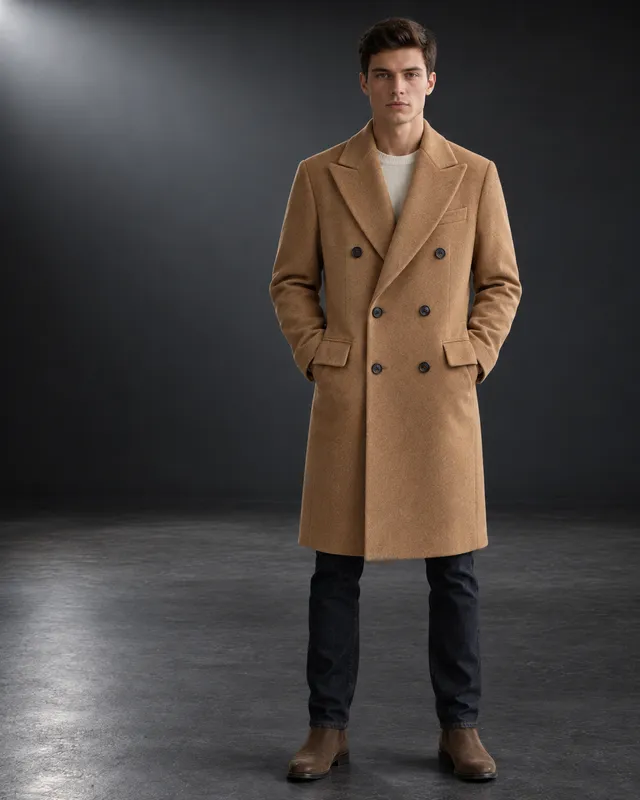
Watch the demo, then read any chapter when you need it: setup, your first shoot, edits, your own models, poses and scenes.
Each takes a few minutes. Start at the top, or jump to what you need.

Install, connect OpenAI and get a key.

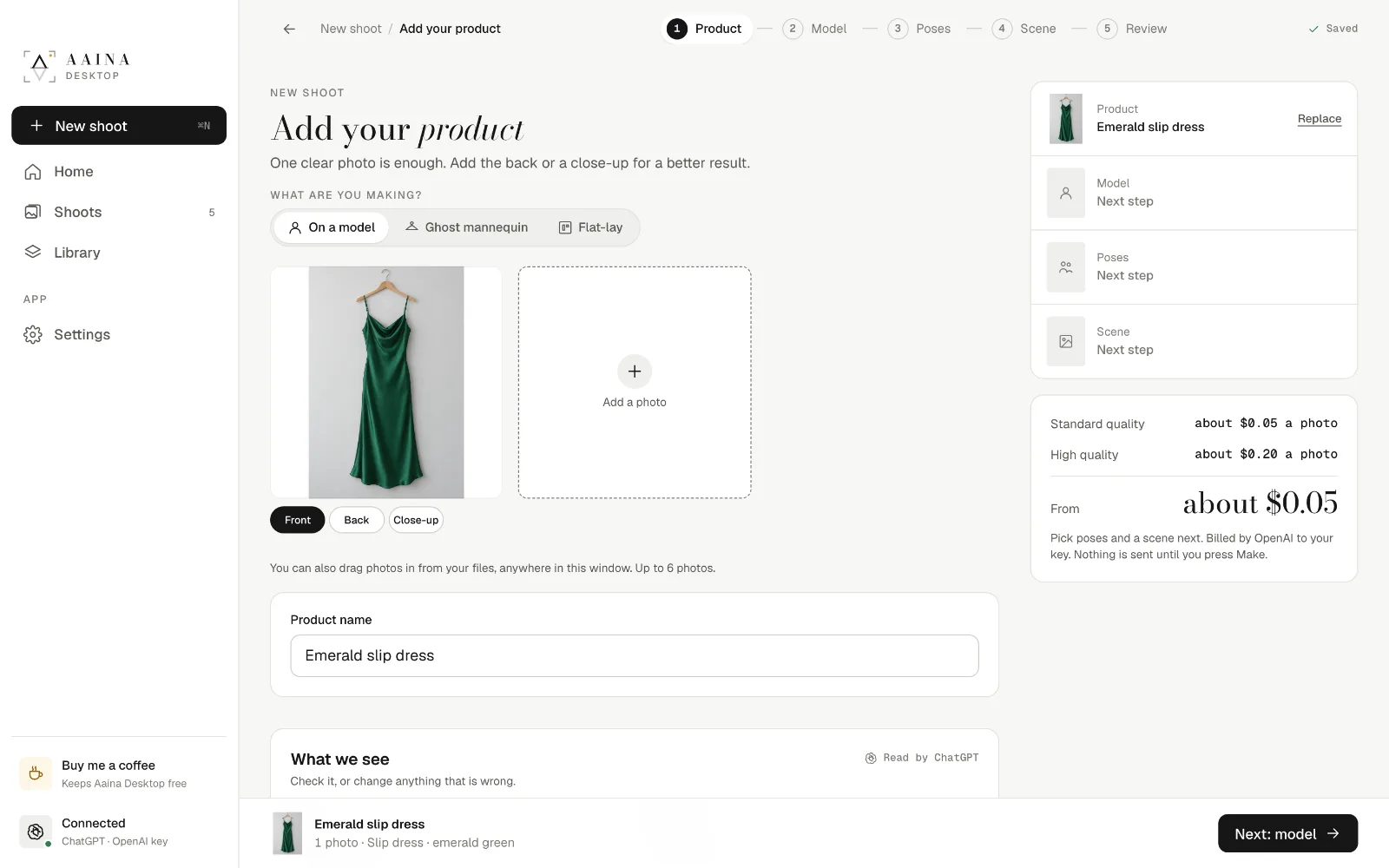
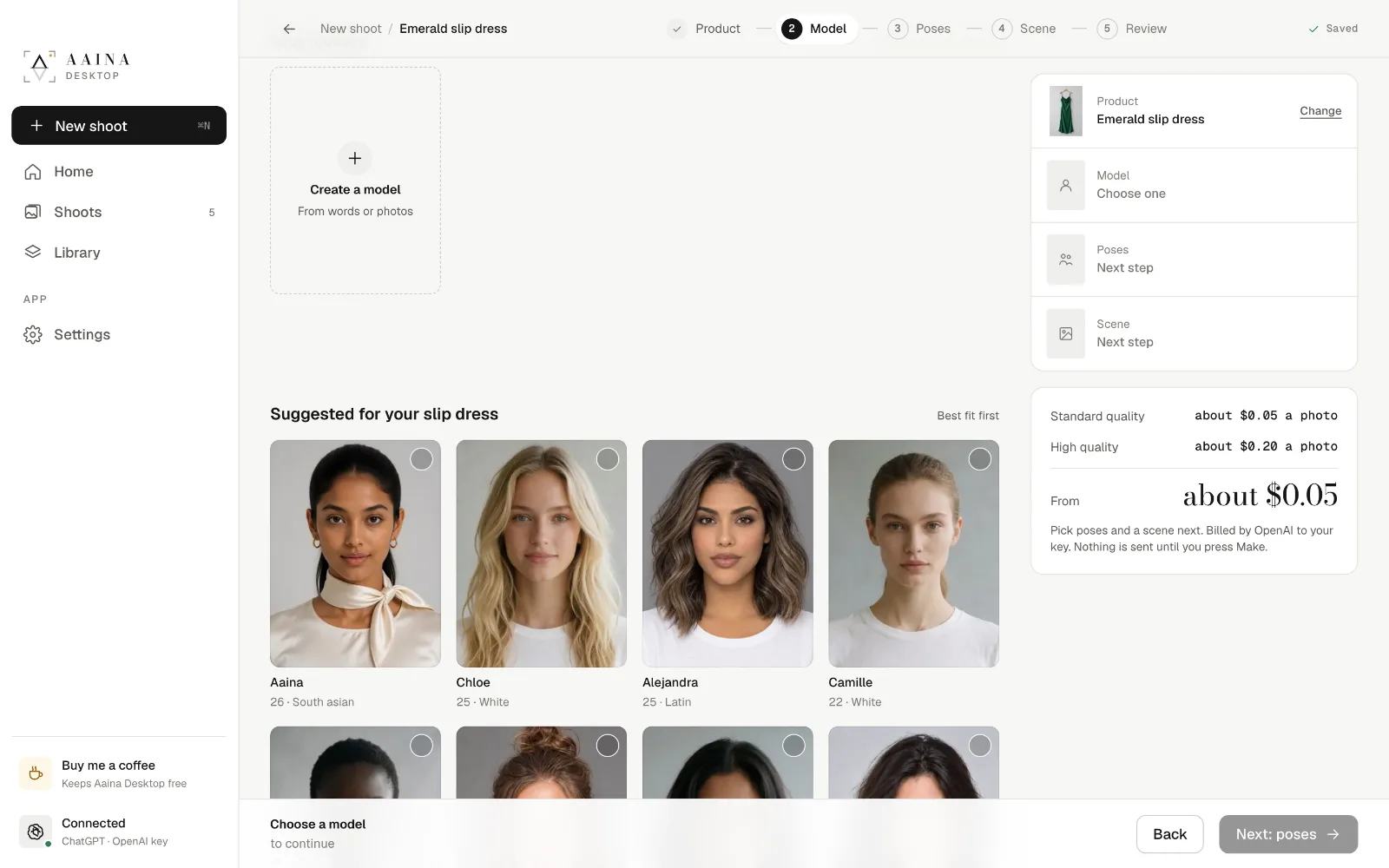
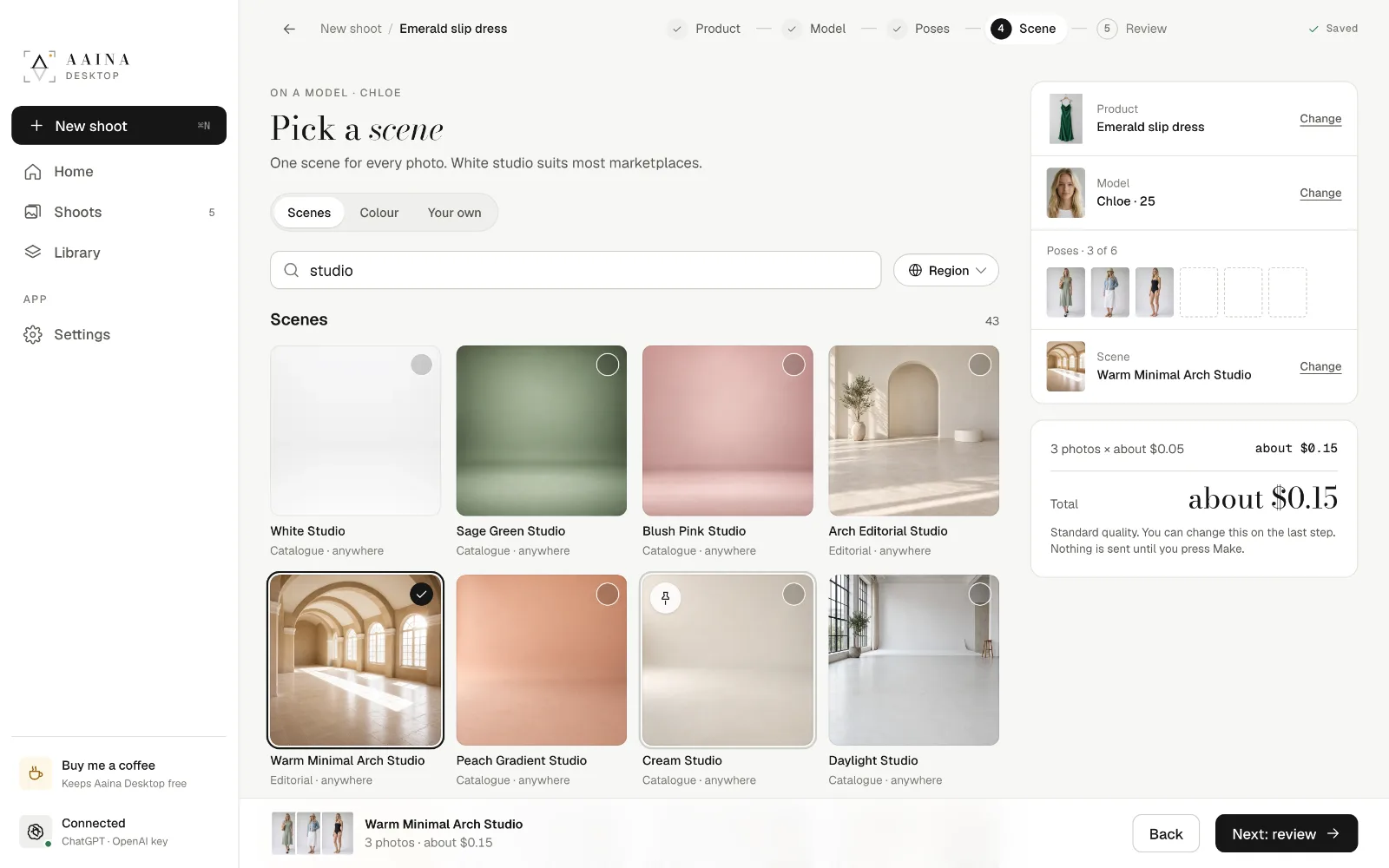
Product, model, poses, scene, made.

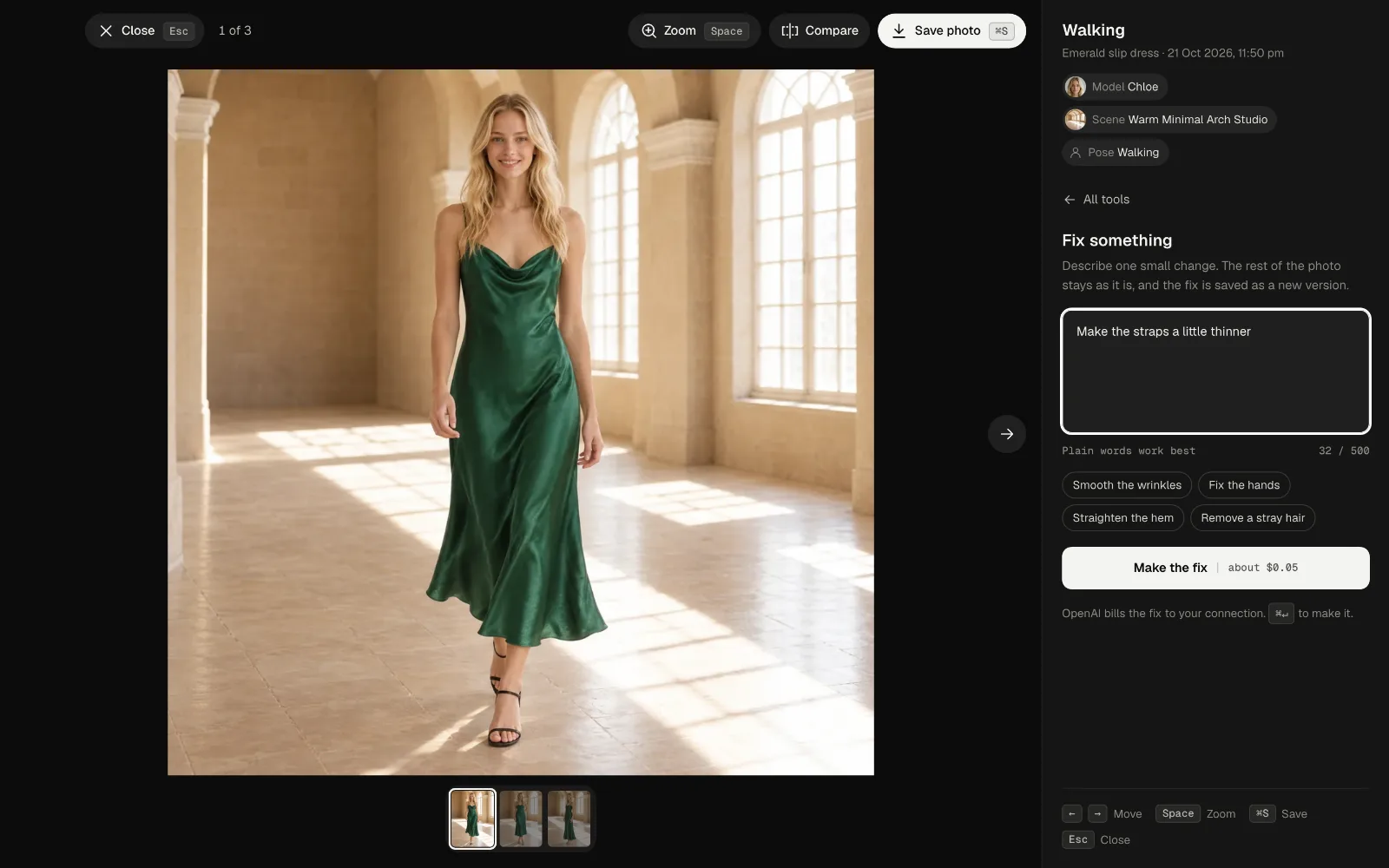
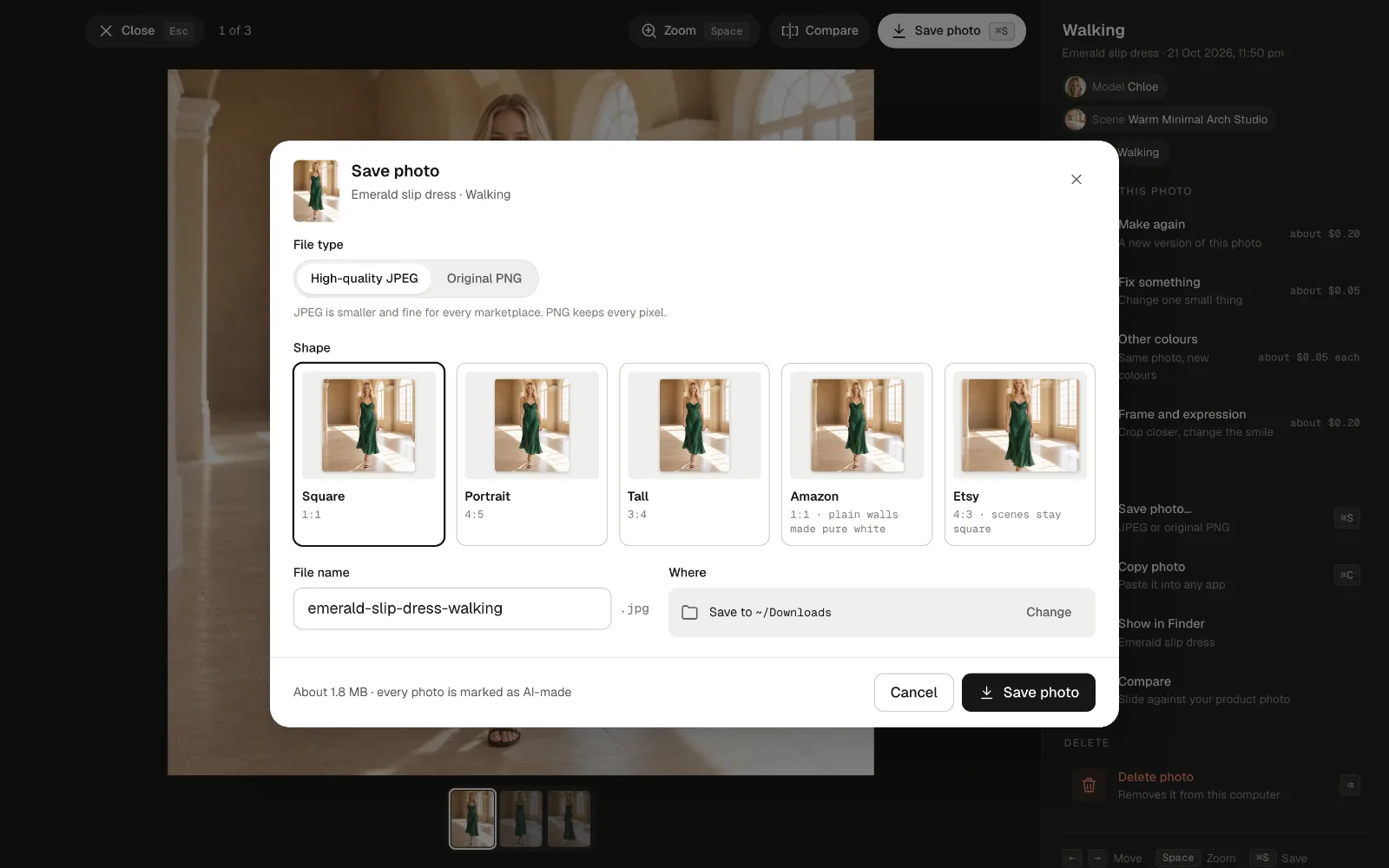
Fix, recolour and save for each shop.

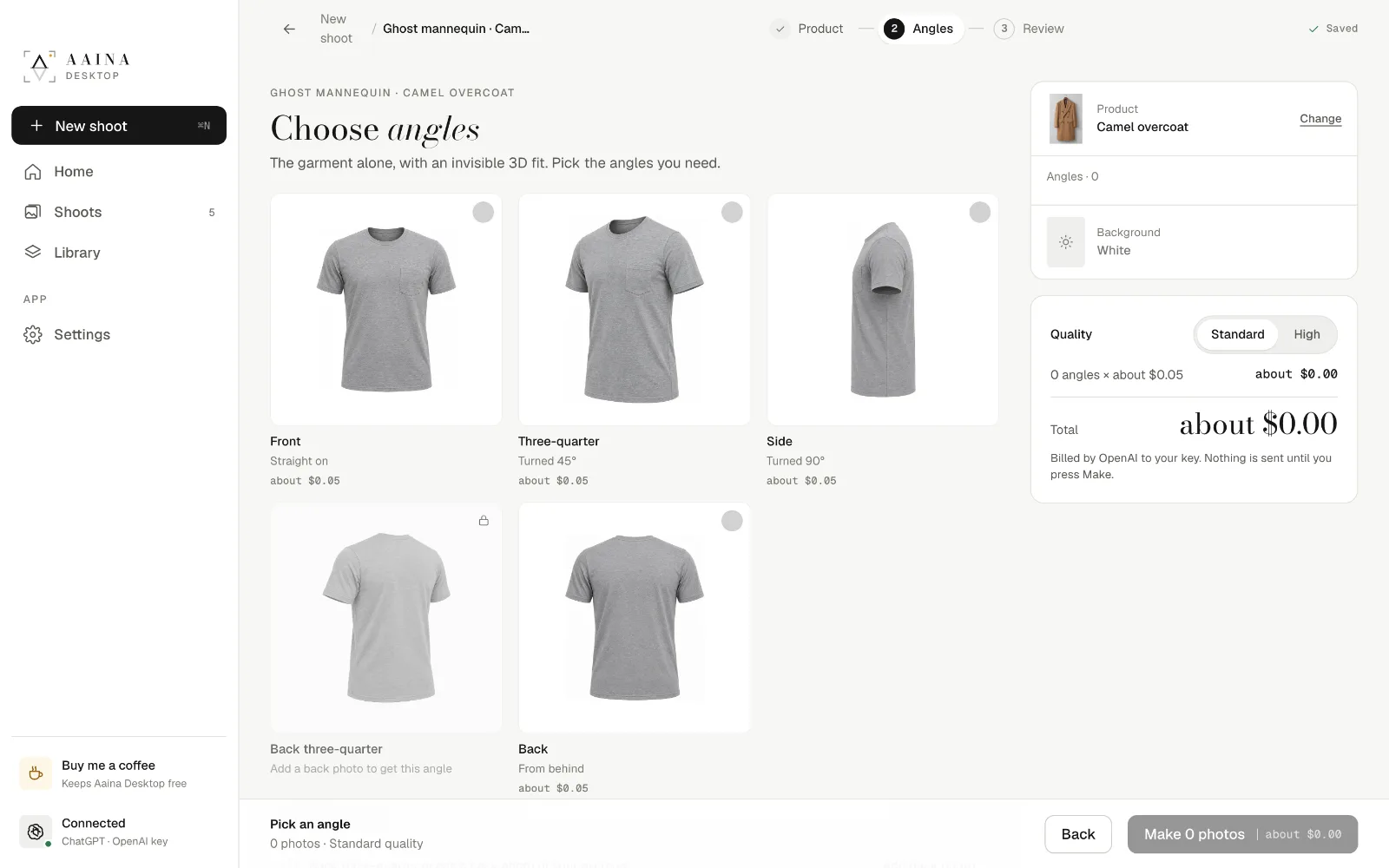
The product on its own, no model.

From a description or a real adult.

Describe them, or show a photo.

Find and reuse what you made.

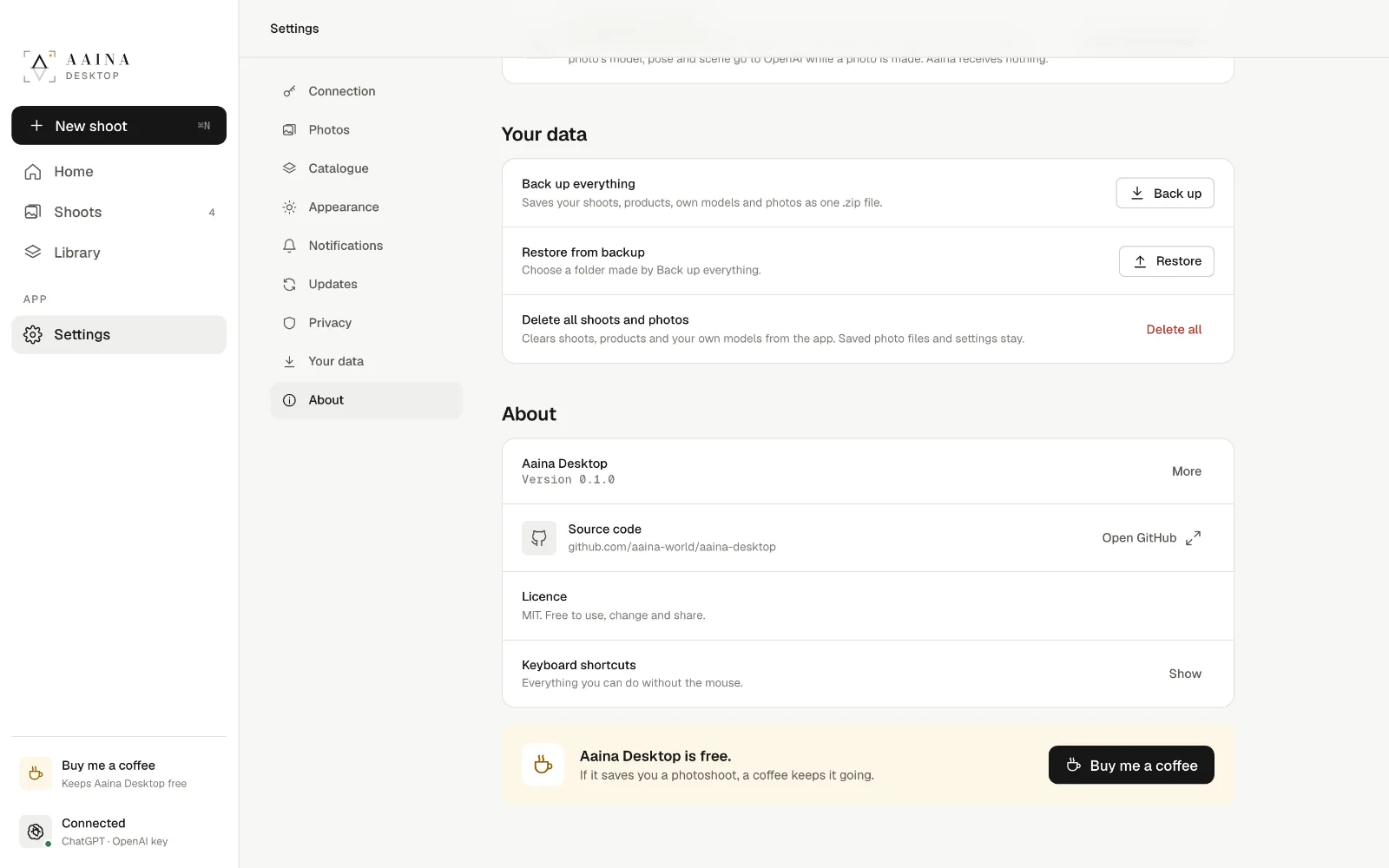
Backups, and what goes where.
Studio photos for everyone starting out.
Good product photos sell, but a photoshoot with a model, a studio and a photographer is out of reach for most people starting out. Aaina makes those photos with AI.
We used AI to build Aaina Desktop: a part of Aaina, rebuilt as a free, open-source app, so anyone starting a business, or anyone without money for photoshoots or subscriptions, can have studio-quality photos of what they sell from day one.
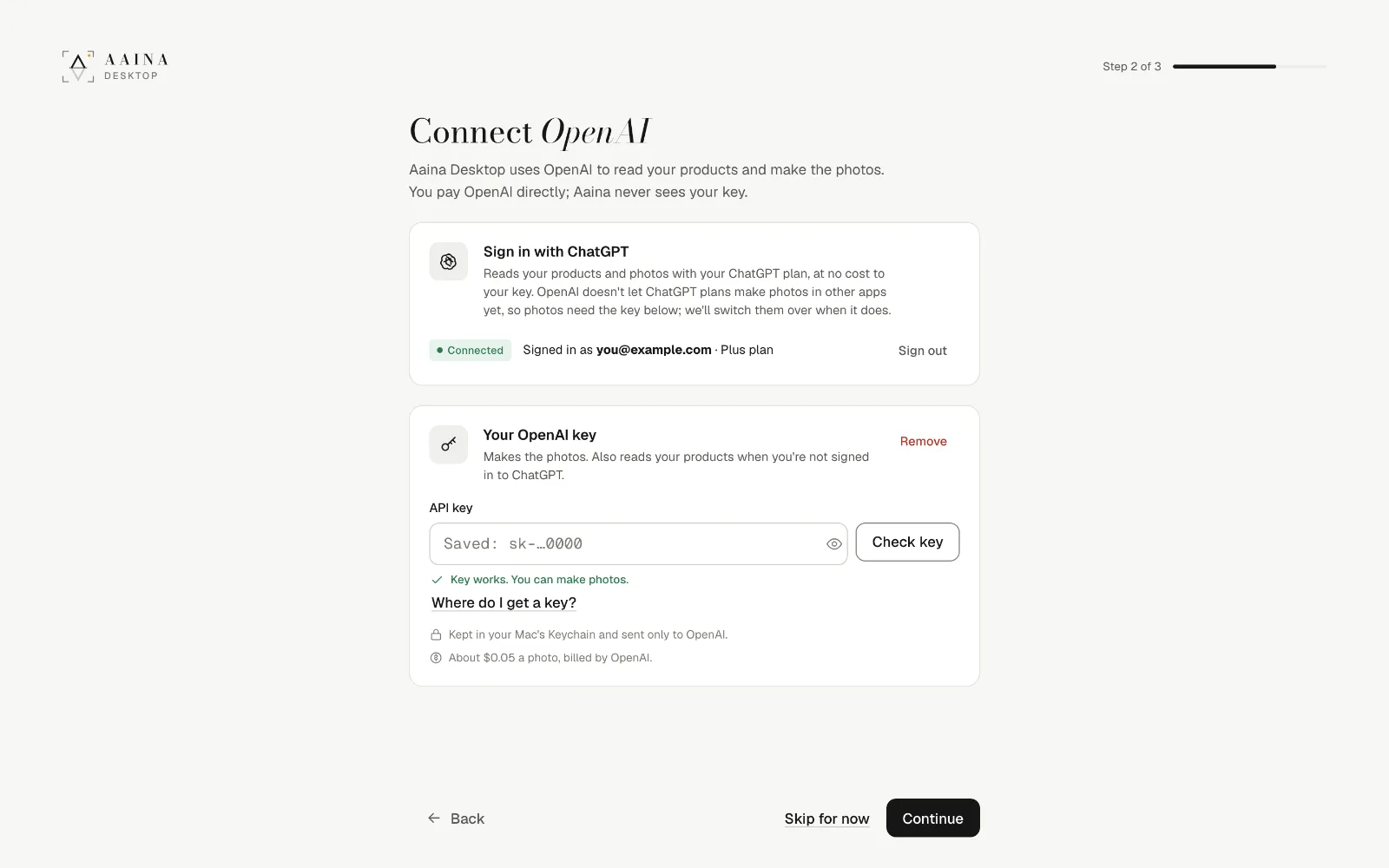
Download the app from the home page. There is no account to make. The first builds aren't signed yet: on a Mac, open it once, then choose Open Anyway in System Settings, Privacy and Security; on Windows, choose More info, then Run anyway.
Photos are made by OpenAI with your own account, so you pay OpenAI directly, at their price, with nothing added. That is what keeps the app free.
Every reading, like what your product is, uses your ChatGPT plan at no cost to your key.
Makes the photos, poses, scenes and models. Kept in your keychain, sent only to OpenAI.

It takes about two minutes, on OpenAI's developer site. It is a separate account from a ChatGPT subscription, though you can use the same email.
OpenAI may ask a new account to verify its organisation before it makes pictures; the app shows the link if so. You can set a monthly limit in OpenAI's billing settings, and delete a key any time.
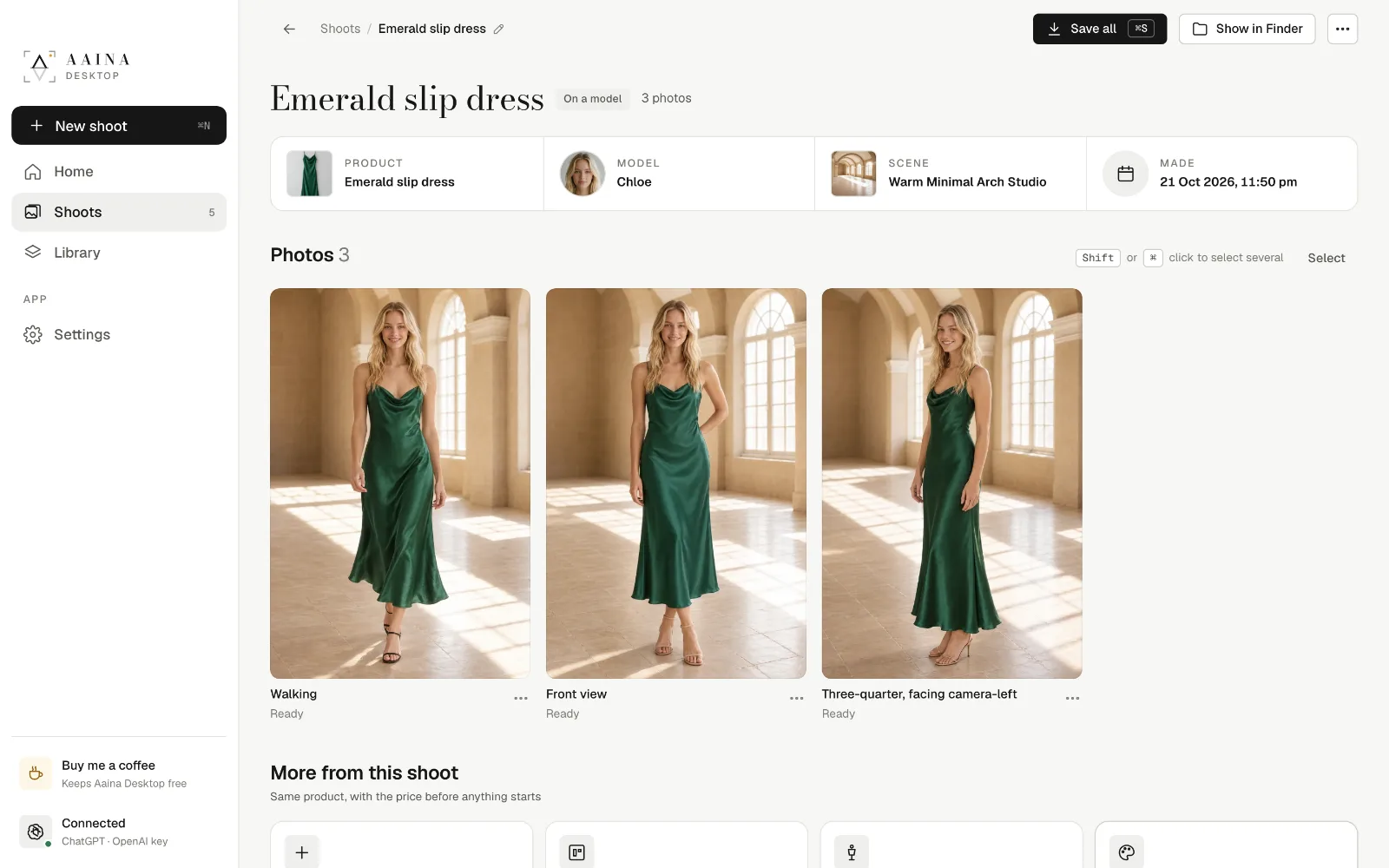
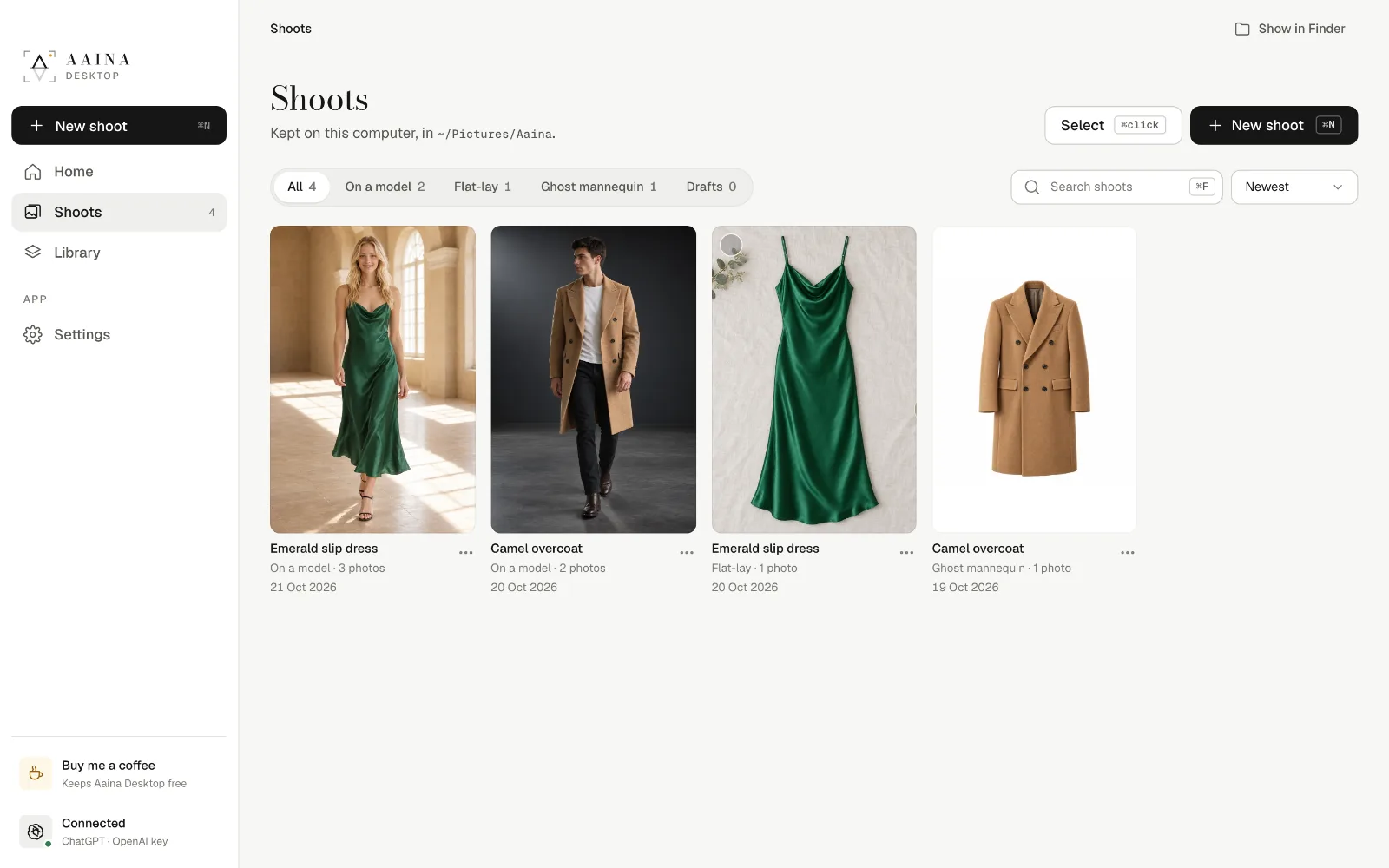
A shoot is one product on one model, in one scene, in up to six poses. Each pose becomes one photo.


Open a photo to check it; Compare slides it against your product photo. Every change is a new version, and earlier ones are kept.


Ghost mannequin: the garment alone in its worn 3D shape, from the front, three-quarter, side and back. A back photo makes the back exact.
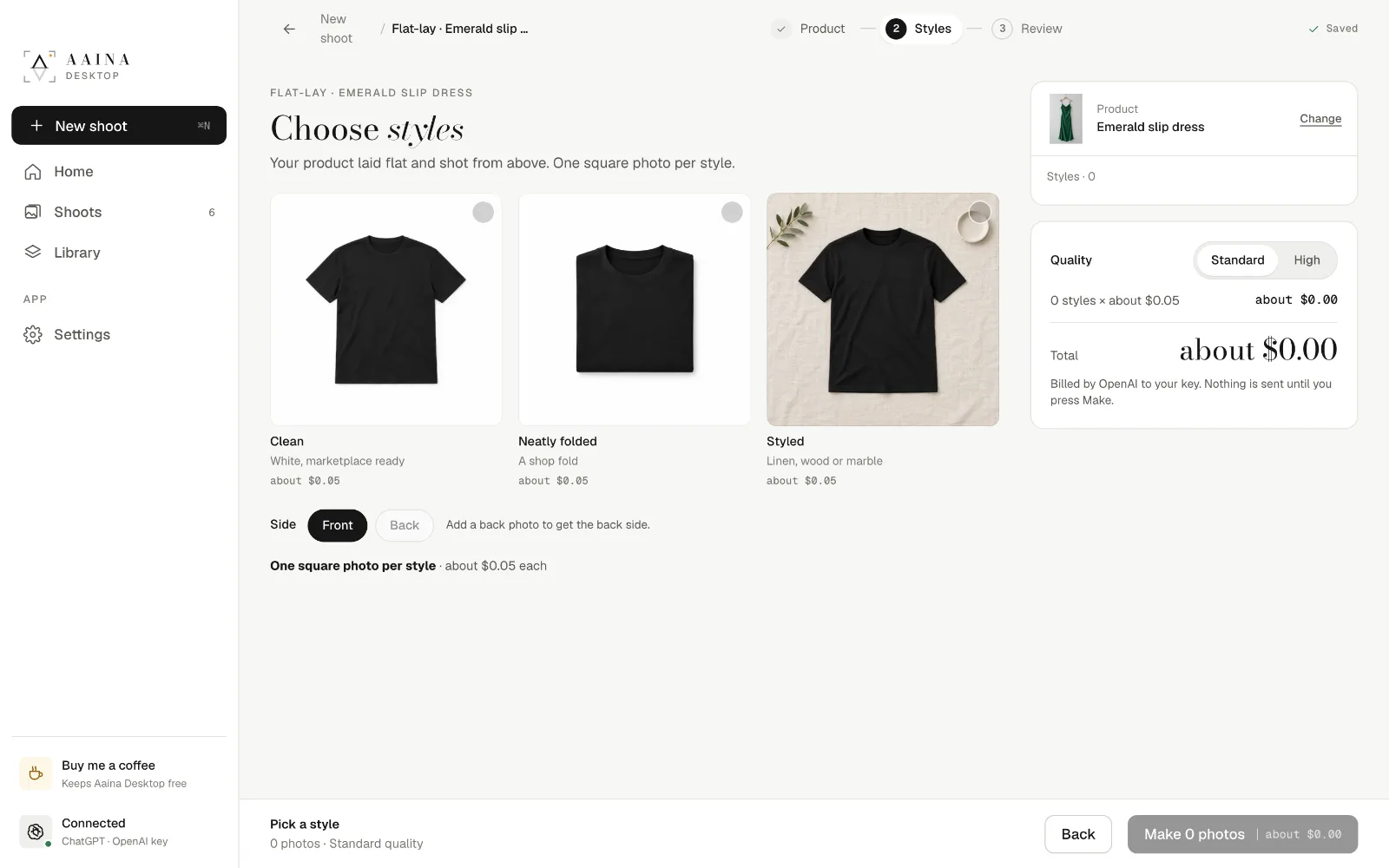
Flat-lay: laid flat and shot from above, clean, neatly folded or styled. Both start like any shoot.


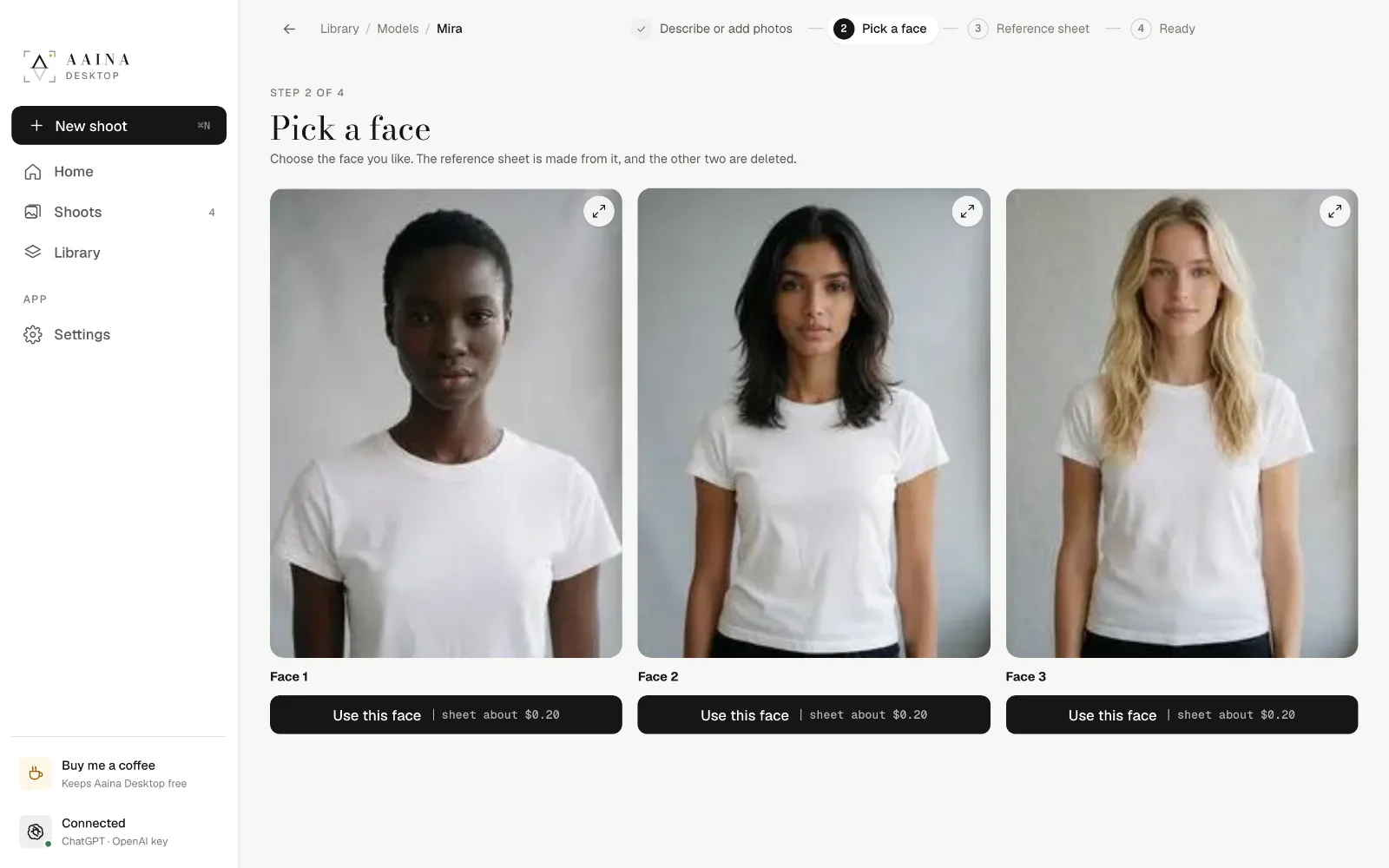
A model only you can use. Describe a person and pick one of three faces, or add 1 to 3 photos of a real adult who has agreed to be your model.
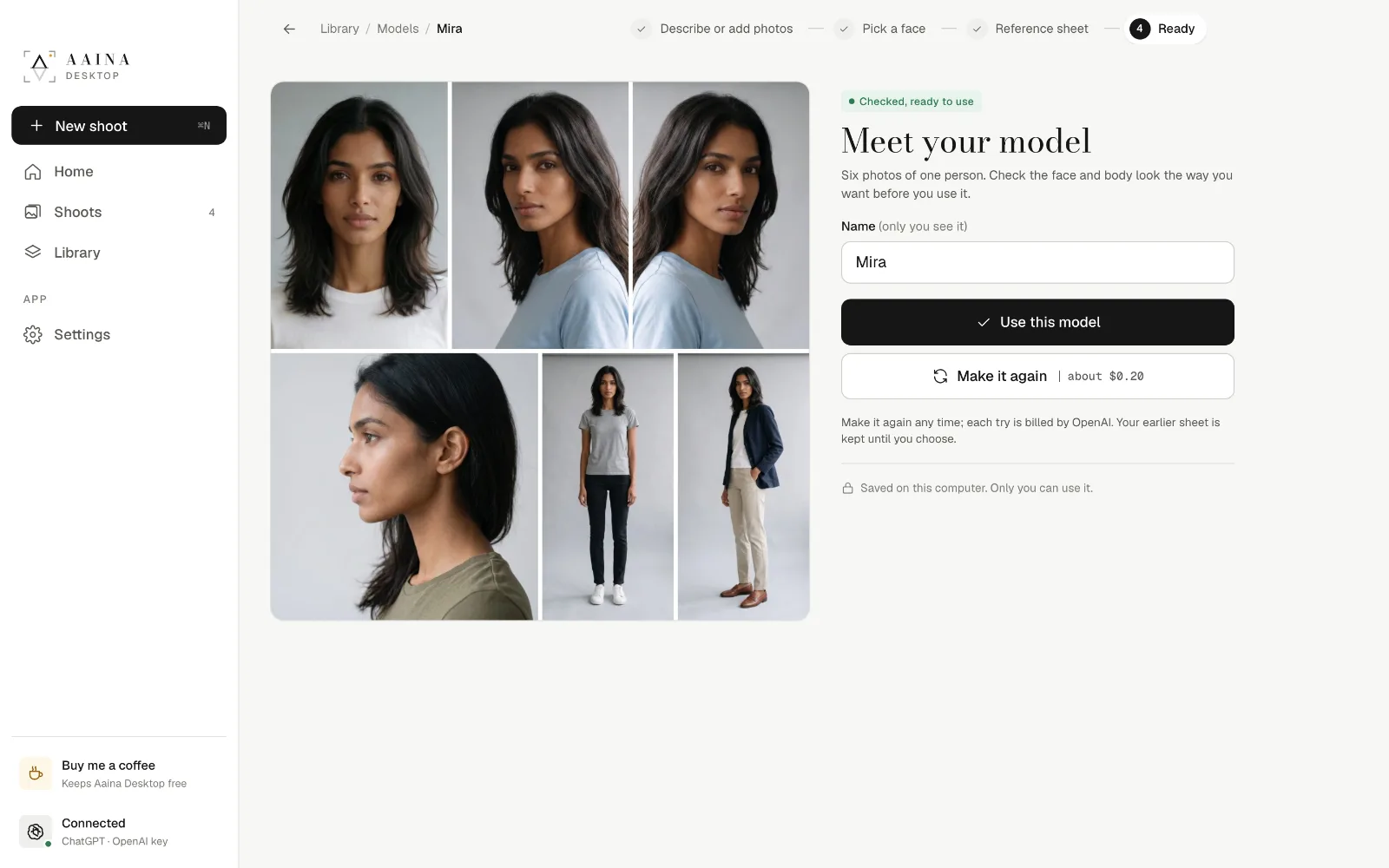
The app makes a reference sheet: six photos of the same person that keep the face and body the same in every photo. About $0.35 in all.


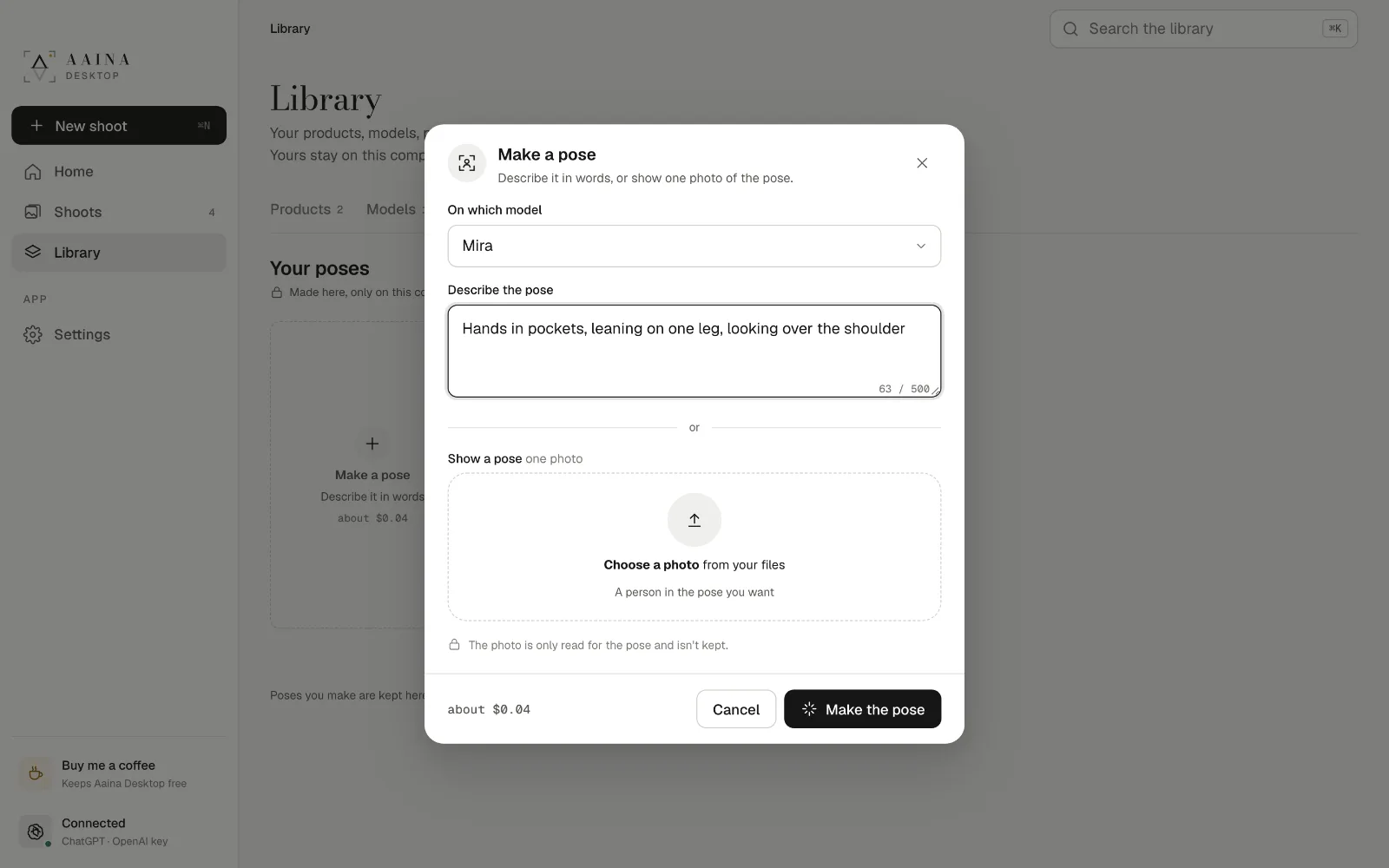
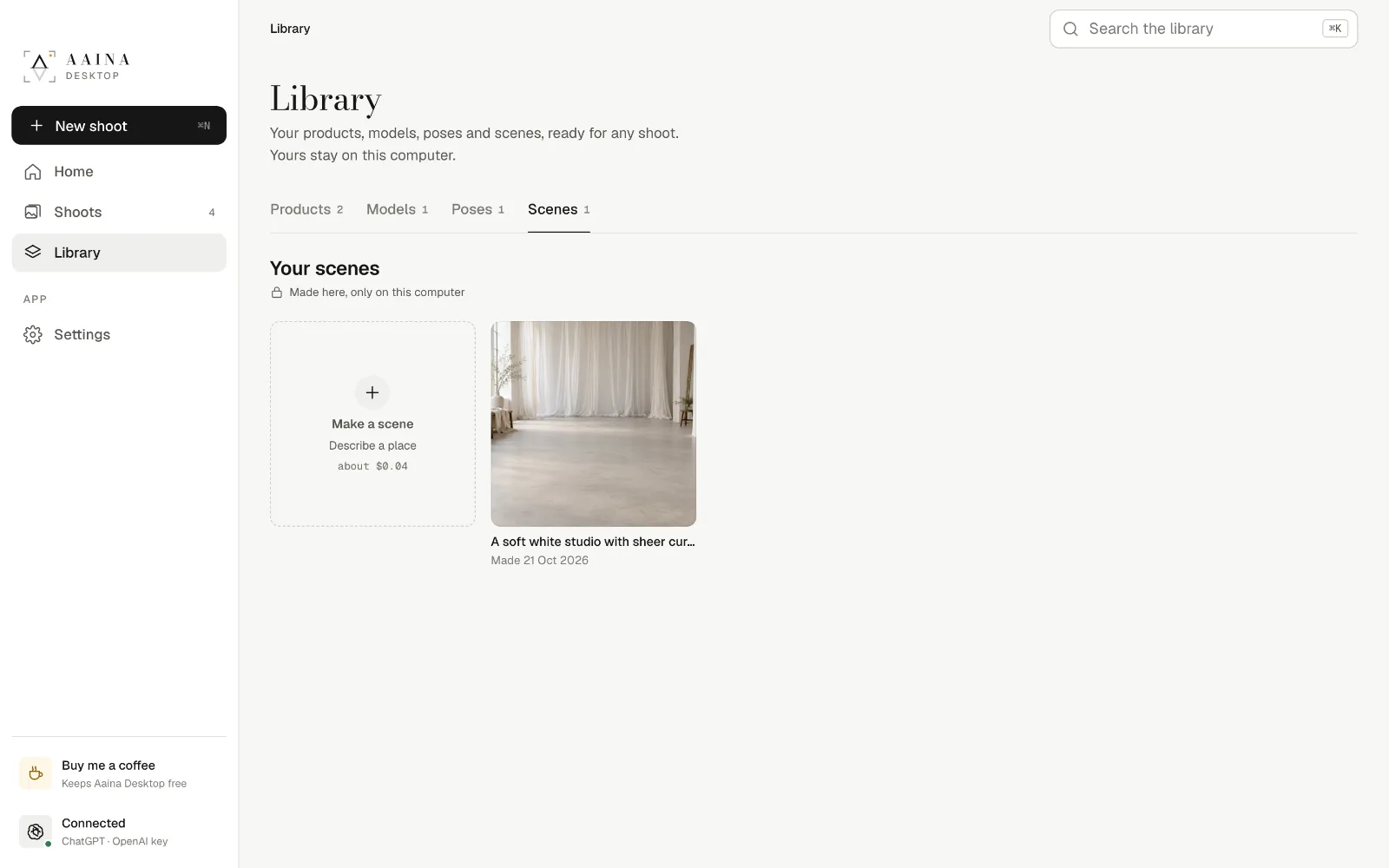
Describe a pose in words, or show one in a photo (only read, never kept). Describe a place for a scene, with a reference photo if you like; scenes never have people in them.
About $0.04 each, kept in your Library for every shoot. Plain colour scenes are free.


Shoots lists everything you made: filter, search, save or delete several at once, and open each shoot's folder.
Library keeps your products, models, poses and scenes ready for any shoot.

Change your connection, quality, how many photos are made at once, the photos folder and theme. Keep the catalogue for offline use. Back up everything and restore it on any computer.

The app is free. Pictures are billed by OpenAI to your own account, and every button shows the rough cost before anything is sent.
Free and open source, for Mac, Windows and Linux.